 Español
 English
 Català
 Français
Dev
- Projects
- 3
- Services
- 0
- Your own domain
- No
FreeStart free Dev
Products
Applications
Company
Connect the repository for your AI-built or custom website, set its build and publish it over HTTPS. For APIs and containers, check the runtime and plan your app needs.
3 free projects on your .hostbrid.dev subdomain. Creating an account is free; publishing with Dev requires a card saved in Stripe. You will not be charged.
Projects is included in your Sites plan. One subscription, two ways to publish.
| Plan | Projects | Services | Your own domain | Price | Choose plan |
|---|---|---|---|---|---|
| Dev | 3 | 0 | No | Free | Start free Dev |
| Starter | No cap | 1 | Yes | 2.99 €/moAnnual total paid upfront: 28.68 € | Choose plan Starter |
| Pro | No cap | 3 | Yes | 6.99 €/moAnnual total paid upfront: 67.08 € | Choose plan Pro |
| Agency | No cap | 10 | Yes | 14.99 €/moAnnual total paid upfront: 143.88 € | Choose plan Agency |
Annual total paid upfront: 28.68 €
Annual total paid upfront: 67.08 €
Annual total paid upfront: 143.88 €
A project is a published repository. A service is a container that runs all the time —an API, a backend, a worker—, and that is why it is counted separately: static sites use nothing while nobody visits them. Domain registration and renewal are paid separately. Publishing with Dev requires a card saved in Stripe; you will not be charged. Creating an account is free and does not require one.
Not sure whether the free plan fits? Compare what it includes and when to pay. Read the guide
17 configurations for publishing static sites. Next.js, Nuxt and SvelteKit require static output; a backend runs as a service.
A static site serves files. A service runs your application in a container and stays on: APIs, backends or a public image.
Services require a paid plan and count towards its allowance: Starter 1, Pro 3, Agency 10. Execution is subject to plan resources; Dev has no always-on services.
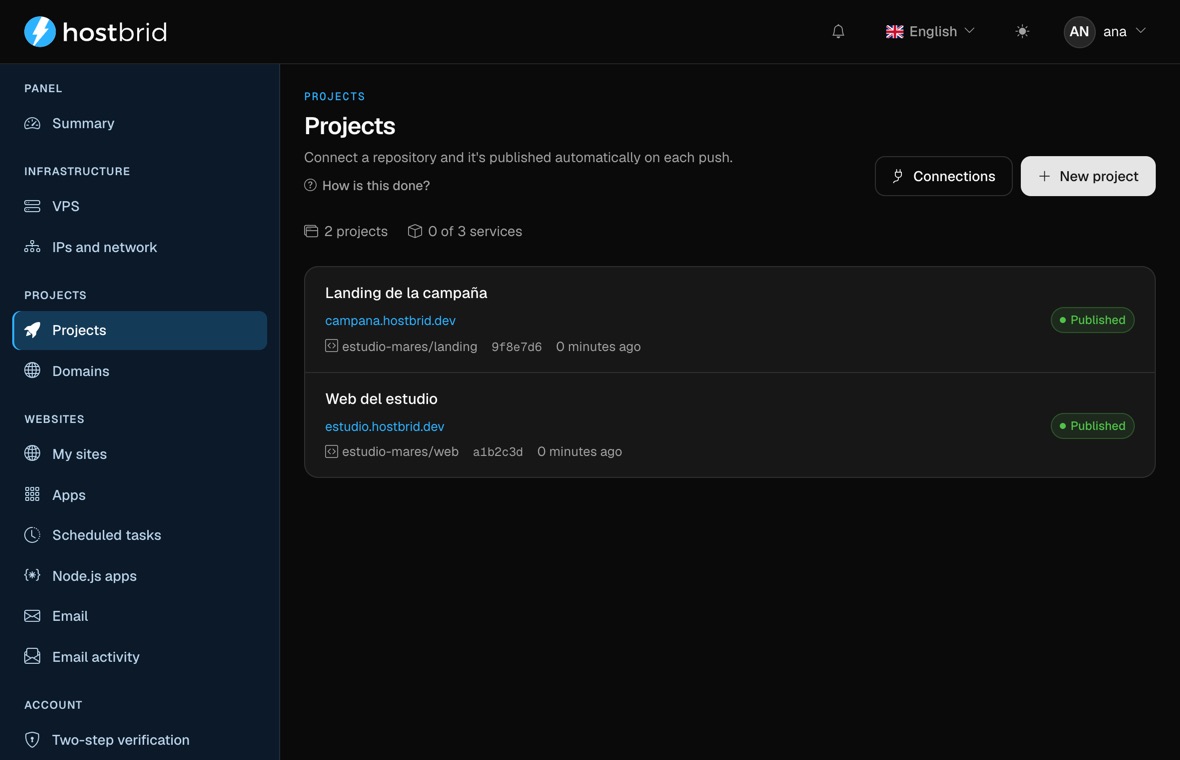
Explore ProjectsNot a mockup: this is the panel, on a sample account. The list shows which version is live right now.
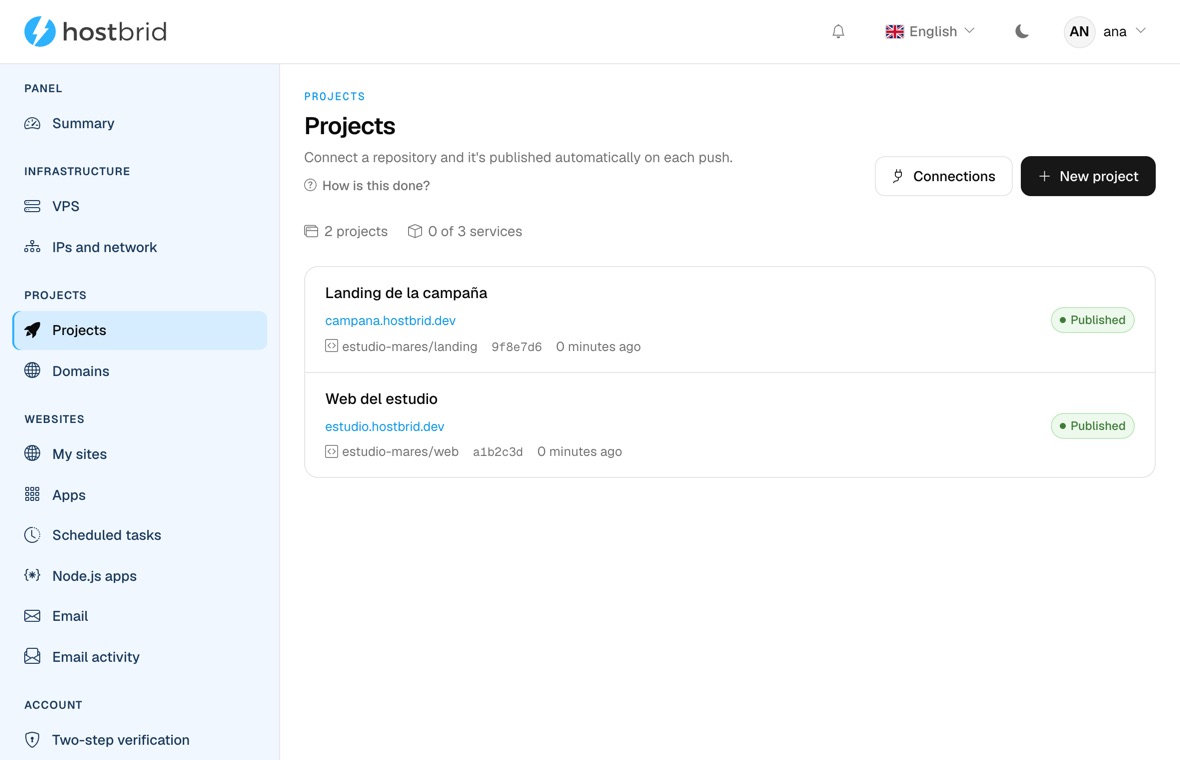
Identify what your project needs and follow a walkthrough with a live example.
Choose hosting for an AI-built site; compare exportable projects with Wix and Framer, then check runtime, backend, limits and migration risks.
Move code to GitHub, check Node, Gemini API, Firebase and OAuth, then test Projects. External services are not migrated automatically.
Compare ChatGPT Sites with Git-based hosting for a Codex website. Check its build, domain and connected services before you publish.
Move a Lovable app to your own hosting: sync its code, identify Vite or TanStack Start, keep or migrate Cloud, and test before changing DNS.
Export Base44 code to GitHub and check the frontend, backend, data and authentication before deploying an app with Hostbrid Projects.
Prepare a Replit app for another host: sync the code, locate data and secrets, check the runtime, and test before changing domains.
Clone, install, build, upload, certificate and domain. You keep writing the code.
Import your project from GitHub, GitLab or Bitbucket. Configure the branch, build commands and output folder to publish it with HTTPS.
17 configurations: Astro, Vite, static Next.js, Eleventy, Hugo, Jekyll, Docusaurus, MkDocs and more. If yours is missing, you set two commands by hand.
Your project goes live on its address with a valid certificate, nothing to configure. And on your own domain whenever you want.
A Node API, a service with its Dockerfile or a public image: we give it a domain, HTTPS and somewhere to run.
Managed PostgreSQL, MariaDB or Redis, plugged into your project with one click: the address arrives in DATABASE_URL.
The full build log, the container’s real state, and one click back to the previous deploy.
The route depends on what you built. These checks help you avoid paying for control you do not need or choosing a plan that falls short.
If this sounds familiar: Your project outputs HTML, CSS and JavaScript.
What you get: Projects builds the repository output and publishes it with HTTPS; check the framework and output directory.
See the localhost routeIf this sounds familiar: Your app responds to requests or runs background tasks.
What you get: Check runtime, port, plan and service quota. Compare VPS if you need operating-system control.
Plan a mobile APIIf this sounds familiar: Your website or backend needs PostgreSQL, MariaDB or Redis.
What you get: Connect a compatible managed database; confirm the engine and how your app receives credentials.
Compare databasesNot on our own examples: importing public GitHub repositories one after another until they all worked.
Talk to salesThree free projects, no lock-in, no time limit.